Registration panel
These functions are not available in 3DF Zephyr Lite and 3DF Zephyr Free.
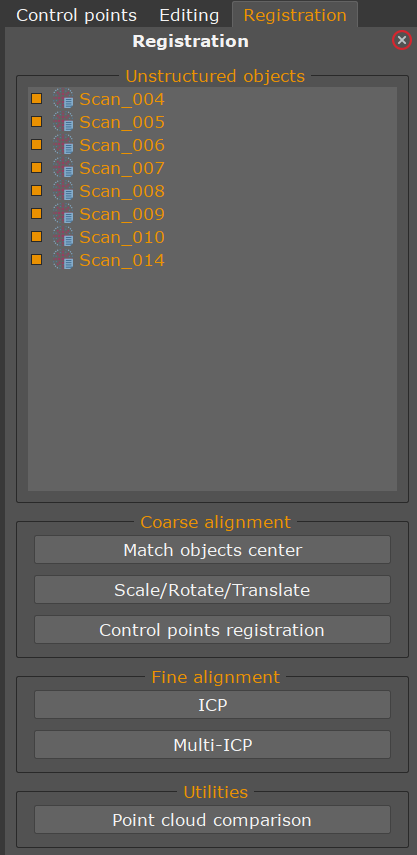
The Registration menu allows the user to handle point clouds registration. From this menu you can access to the:
- Coarse alignement functions
- Fine alignement functions
- Utilities
Match objects center
This tool is useful when a photogrammetric dense point cloud has already been created and a laser scan is then imported into the project. In some cases, the scan may have been acquired in a different coordinate reference system than the photogrammetric dense point cloud, causing it to appear displaced or entirely invisible in Zephyr's 3D workspace.
The Match Objects Center tool resolves this by repositioning the imported scan so that its center aligns with that of an existing structured object, typically the photogrammetric dense point cloud, making both datasets visible and spatially close to one another.
Scale/Rotate/Translate
If the point clouds are too far apart to be aligned automatically, the tool will activate the Gizmo  , allowing you to manually bring them closer together.
For a visual walkthrough of this process, refer to the online tutorial #A07. Laser Scan Management > Method 1: Manual Alignment via the 3D Gizmo on 3Dflow.net.